Invoice Ninja Alternative for Freelancers Who Just Need to Send Invoices
Invoice Ninja is powerful — but overkill if you just need to send invoices. See how Invoicito compares on setup time, features, and cost for solo freelancers.

You searched "Invoice Ninja alternative" because something about Invoice Ninja didn't click. Maybe it was the Docker documentation. Maybe it was the onboarding screen — tabs for Vendors, Expenses, Projects, Recurring Billing — when all you needed was to send a $1,200 invoice before end of day. You're not alone. Invoice Ninja is genuinely powerful software. It's just not built for you.
- Invoice Ninja is a full accounting suite — built for businesses that need self-hosted control, expense tracking, and vendor management. For solo freelancers, it's overkill.
- If you need a clean invoice sent fast, Invoicito's free invoice generator takes under 60 seconds — no account, no server, no learning curve.
- See the head-to-head comparison →
- What freelancers actually need (and what to skip) →
- FAQ: Invoice Ninja pricing, self-hosting, and free tiers →
Why Freelancers Outgrow Invoice Ninja Fast
Invoice Ninja was built for small businesses that want full control over their billing infrastructure — think a 10-person agency self-hosting its accounting stack, tracking vendor expenses, managing multiple users across currencies. That's a legitimate use case. It is not a freelancer use case.

The friction points are specific. The self-hosted version — the genuinely unlimited free option — requires Docker or manual server setup. Real time investment if you're a designer, copywriter, or consultant who doesn't manage servers for fun. The cloud-hosted free tier sidesteps the server problem but caps you at 10 clients. Hit that ceiling and you're paying for a plan full of features you'll never open.
One freelance UX designer spent 40 minutes in the setup flow and sent zero invoices before giving up. The UI surfaces expense categories, project budgets, and vendor portals before you can type a client name and an amount. That's the real cost of tool complexity. This isn't a knock on Invoice Ninja — if you're evaluating a FreshBooks alternative or a Wave alternative, the same question applies: how much tool do you actually need?
Invoice Ninja vs Invoicito: Head-to-Head for Solo Freelancers
"If you're not running a business with vendors, employees, and multiple currencies — you don't need Invoice Ninja."
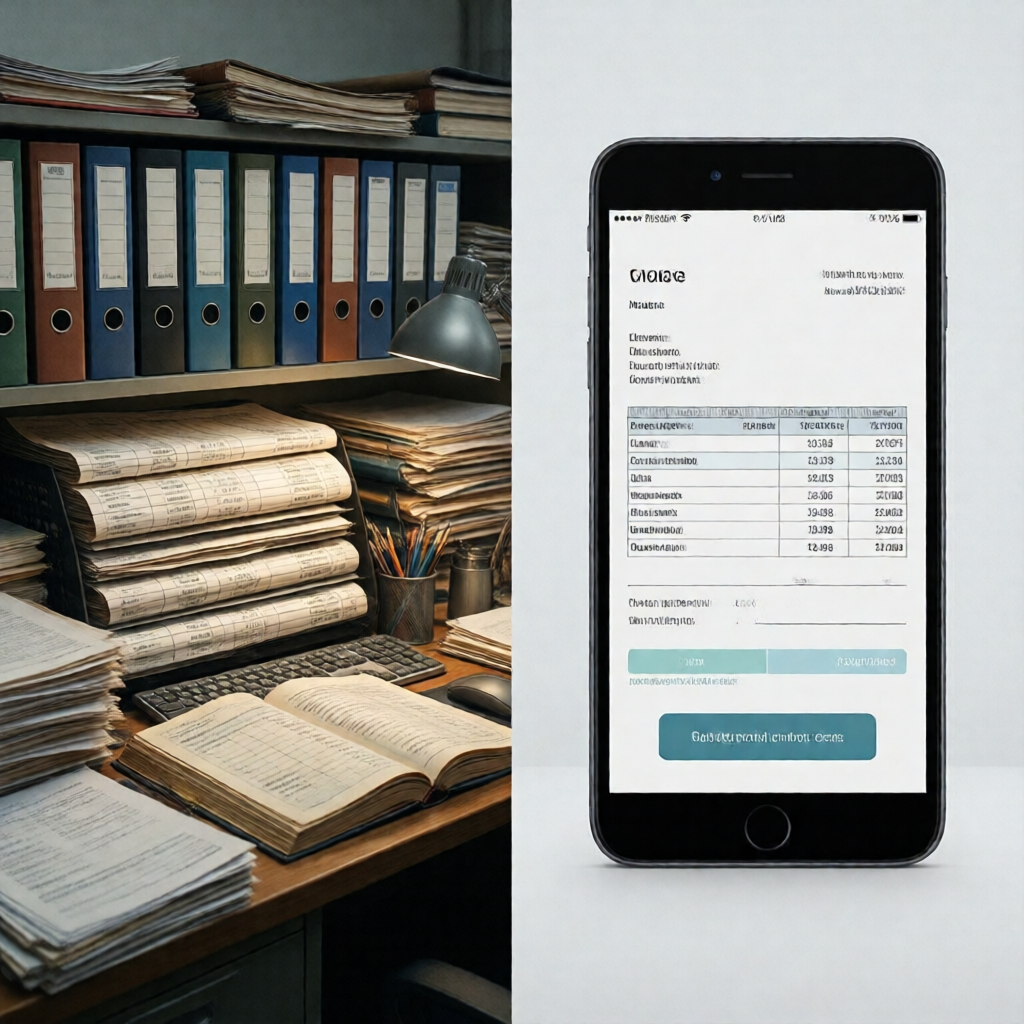
| Feature | Invoice Ninja | Invoicito |
|---|---|---|
| Setup Time | Self-hosted: hours (Docker/VPS config). Cloud: 10–15 min account setup. | Zero. No account required. Invoice ready in ~60 seconds. |
| Self-Hosting Required | Required for unlimited free use. Needs server configuration knowledge. | Never. Fully browser-based, nothing to install or manage. |
| Free Plan Client Limit | Cloud free tier: 10 clients. Unlimited only on self-hosted. | No client cap on free tier. |
| Learning Curve | Moderate–high. Full accounting suite UI with multiple modules. | Minimal. Fill in client name, line items, send or download PDF. |
| Invoicing Speed | Slower — navigate through project/client setup before billing. | Fast. Single-screen invoice creation, PDF export, done. |
On pricing: Invoice Ninja's paid hosted plans run roughly $10–$14/month — verify current figures at invoiceninja.com, rates change. Not expensive, but it's money for a feature set engineered around businesses with more complexity than a solo freelancer will ever generate.
What You Actually Need as a Freelancer (and What to Skip)

You need: Clean invoice creation with your logo, client details, line items, subtotal, and due date. PDF download. Clear invoice payment terms — Net 7, Net 15, Net 30. That's the full list.
You don't need (at least not yet): Expense management, vendor portals, time-tracking integrations, project budgeting, multi-user roles. Those are agency problems. Billing 5–15 clients a month, a full accounting suite adds friction — not value.
The right tool is the one you'll actually open. Complexity kills follow-through. A delayed invoice is a delayed payment — and the data on what actually gets freelancers paid faster is worth five minutes of your time. The best freelance invoice software is the simplest one that covers line items, payment terms, and PDF export.
Frequently Asked Questions
Is Invoice Ninja really free?
There's a free self-hosted plan (requires your own server) and a cloud-hosted free tier capped at 10 clients. Beyond that, paid plans run roughly $10–$14/month — confirm current pricing directly on their site.
Do I need to self-host Invoice Ninja to use it for free?
No — the cloud option works without a server, but limits you to 10 clients on the free tier. Fully unlimited free use requires self-hosting on your own VPS, which is real setup complexity for most freelancers.
What's the simplest Invoice Ninja alternative for a solo freelancer?
Invoicito lets you create and send a professional invoice in under 60 seconds — no account, no self-hosting, no learning curve. It covers line items, payment terms, and PDF export without the overhead of a full accounting suite.
Invoice Ninja is the right choice if you're building a business infrastructure and want open-source, self-hosted control. It's the wrong choice if you're a solo freelancer who needs to send a professional invoice today — without a server, a subscription, or two hours of onboarding. The best invoicing tool is the one between you and getting paid — not between you and an afternoon of setup documentation.
Send your first invoice in 60 seconds — free, no account required.
Line items, your logo, payment terms, PDF download. Everything you need, nothing you don't.
Create a Free Invoice →